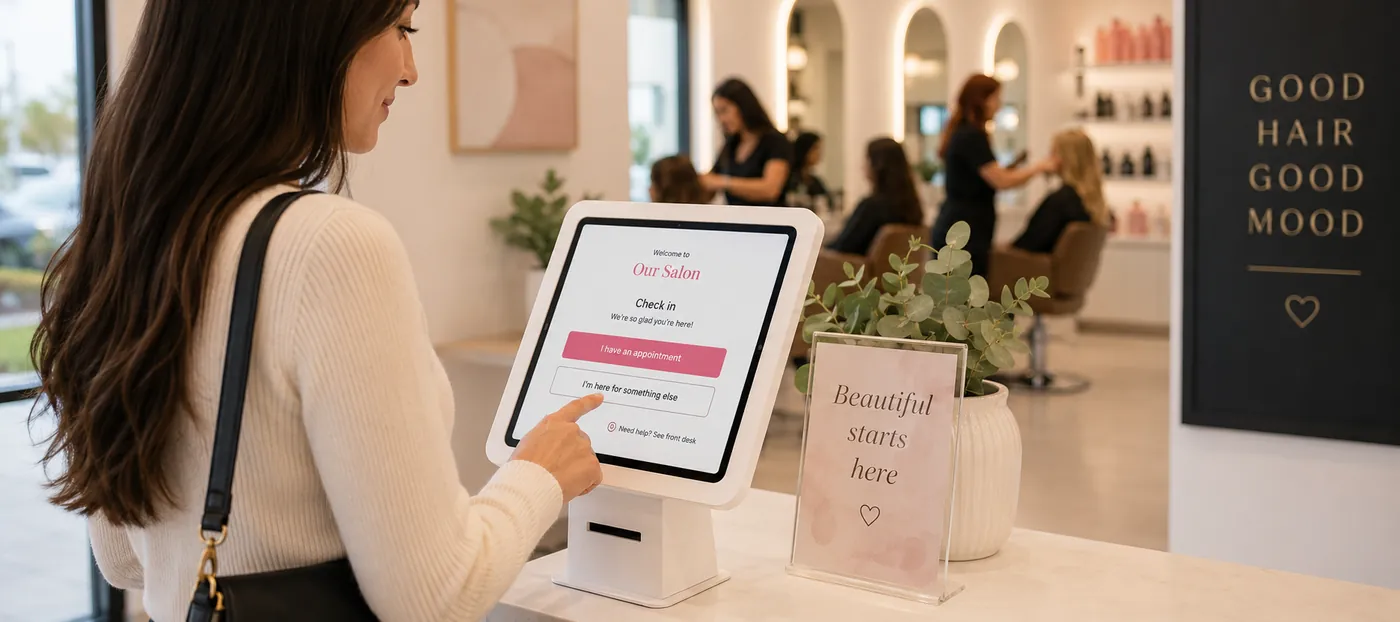
Every visit starts the same way — someone walks through the door. Here is how to build a check-in that greets booked clients and walk-ins in the same flow, feeds the queue automatically, and keeps everyone informed by text.
The salon customer check-in process is the sequence that turns an arriving guest into a tracked, assigned ticket: the client is identified, their visit type is confirmed, their services and provider preference are captured, and they are placed in the service queue while the front desk and technicians are notified. Done well, it takes under a minute and the client never wonders whether anyone knows they are there.
Most salons do not have a booking problem. They have an arrival problem. The calendar is full, the online booking works, the technicians are skilled — and then eleven people arrive inside twenty minutes on a Saturday and the whole day tips over. This guide covers what a check-in actually has to accomplish, how to handle appointments and walk-ins through one flow, where text messaging belongs in the journey, and how to measure whether the front desk is holding up.
Clients form their opinion of a salon long before the service starts. The first thing they judge is whether the place seems to know what it is doing — and the only evidence available in those first thirty seconds is how they were greeted.
Three things go wrong at the door more often than anywhere else in the business:
None of these are staff failures. They are process failures, and they are fixable with a defined check-in sequence that does not depend on anyone's memory during a rush.
It is worth being specific, because “checking someone in” is really six jobs happening at once:
Any check-in method you consider — paper, tablet, QR code, front desk only — should be judged on how many of those six it completes without a second conversation.
The most common structural mistake in salon operations is treating booked clients and walk-ins as two separate systems. The calendar lives in one place, the waitlist lives on a clipboard or in someone's head, and the two only meet when they collide over the same technician at the same moment.
They should meet at check-in instead. A booked client and a walk-in are different on the way in and identical after that: both need a provider, a chair, a ticket and a place in the service order. The arrival step is where the two paths merge.
That merge is what makes the difference on a busy day. When both streams enter one queue, the system can see that the 2:15 appointment has not arrived yet and that a walk-in has been waiting nine minutes, and the floor can be run on facts instead of guesses. If your appointment scheduling and your walk-in list are genuinely separate tools, that visibility does not exist and someone at the desk is quietly doing the reconciliation in their head all day.
A related point: strong online booking reduces walk-in pressure but never eliminates it. Beauty businesses are neighborhood businesses. People will keep walking in, and the goal is not to discourage them — it is to absorb them without disrupting the clients who planned ahead.
Each of these still exists in real salons, and each has a ceiling.
1. Paper sign-in sheet. Cheap and instantly understood. It captures a name and nothing else, has no wait estimate, no history, and no link to the ticket. It also creates a privacy issue, since every client can read the names above theirs.
2. Front-desk-only entry. A receptionist types every arrival into the system. Accurate when the desk is free, and a bottleneck the moment it is not — which is exactly when arrivals cluster.
3. Self-service tablet. The client enters a phone number, the system recognizes them, and they confirm or build their visit themselves. It removes the bottleneck and captures more detail than a person would think to ask for. This is what dedicated salon check-in software is built to do.
4. QR or mobile check-in. The client scans a code at the door and checks in from their own phone, which also gives you a live channel to reach them while they wait.
Most salons end up running a hybrid: a tablet for the majority, the front desk for anyone who needs help, and a phone-based path for regulars. That is the right answer. What matters is that all paths write to the same queue.
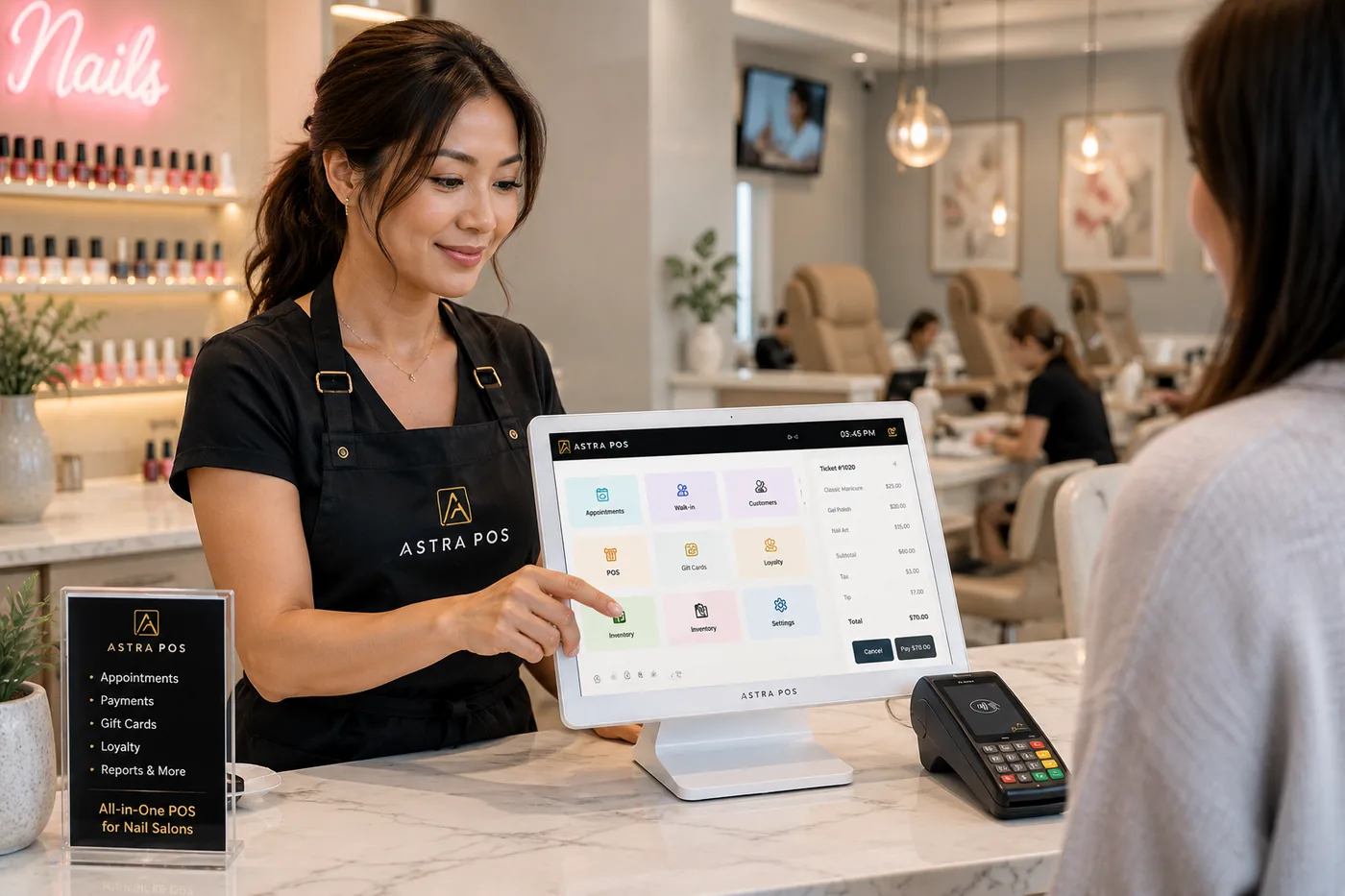
Here is the sequence, written the way you would put it on a laminated card for a new receptionist.
Step six is where check-in meets rotation. In a walk-in-heavy salon, position in the queue is not a courtesy — it determines who earns what that day, which is why it should be governed by written rules rather than by whoever is standing closest to the desk. Our guide to nail salon turn management covers how those rules are built, and the technician turn queue is where they get applied in practice.
Watch how an arrival becomes an identified client, a confirmed service list, a ticket and a queue position — in one flow.
Check-in is only half a system. The other half is the screen your team watches all day — the arrival board. In Astra POS this is the Client Arrival (Check-In) screen, and it is worth describing what belongs on one regardless of which platform you use.
A useful arrival view answers five questions at a glance:
Owners also need controls on that screen, not just information: approve the next client, move someone up, reassign a provider, or hold a guest until their requested technician frees up. The queue should be rule-driven by default and overridable by exception — automatic enough to be consistent, flexible enough to handle a VIP walking in on a Saturday.
Walk-in clients do not abandon a salon because they waited. They abandon it because they waited without knowing how long. Research on service queues has said the same thing for decades: unexplained waits feel far longer than explained ones, and uncertain waits feel longest of all.
Three practices cover most of it:
For the full arc of an unscheduled visit — arrival, the waiting experience, the QR check-in receipt and a faster checkout — see our guide to managing nail salon walk-ins.
Almost every gap in the arrival experience is an information gap, and the phone in the client's hand is the cheapest way to close it. Six messages cover the whole arc of a visit — and notably, only two of them are reminders.
Sent the moment an appointment is made online, by phone or at the desk. It confirms date, time, service and provider in writing, which is what the client will actually check later. This one message eliminates most “I thought it was at three” disputes.
The workhorse. A reminder with a one-tap confirm turns a passive booking into a commitment and gives you a day's notice to fill the slot when someone cannot make it. Salons that automate this consistently see meaningfully fewer empty chairs — our guide on reducing no-shows goes deeper on timing and deposits, and automated reminders is where the rules are configured.
Reschedules, provider changes and running-behind notices. A text saying “Mai is running about 15 minutes behind — would you like to come at 2:15 instead?” costs nothing and saves a client who would otherwise arrive to a wait they did not expect.
The message people forget to send. When a client checks in on a tablet, an immediate text confirming they are in the queue and roughly where they stand does two things: it proves the check-in registered, and it gives them permission to sit down and stop hovering at the desk.
The message that makes waiting bearable. Once a client can step next door for coffee and be pulled back by text, your effective waiting room is the entire block. Two-way text messaging matters here specifically because clients reply — “5 min away” is information your front desk can act on.
A texted receipt is faster than printing, easier for the client to find later, and creates a record of the exact services performed. Follow it a few hours later with a short thank-you, and you have the most natural moment you will ever get to ask for a Google review or to mention a loyalty reward the client just earned. Ask while the fresh set is still fresh.
The difference between texting that clients appreciate and texting they mute comes down to a few habits.
Five numbers tell you whether the front of your salon is working. Most systems that handle check-in can produce all of them:
A six-chair nail salon. Four technicians on the floor, two mid-service. The desk is finishing a checkout when the door opens six times in fourteen minutes.
It is the sequence that turns an arriving guest into a tracked service ticket. The client is identified, their visit type is confirmed as an appointment or a walk-in, services and provider preference are captured, and the client is placed in the service queue while the front desk and assigned provider are notified.
A returning client with an existing record should be able to complete check-in in well under a minute. New clients take longer because a profile is being created, but the process should still finish before the client has found a seat.
Yes. The two visit types differ on the way in, but both need a provider, a ticket and a position in the service order. Running them through one flow lets the salon see the whole floor at once instead of reconciling a calendar against a separate waitlist.
No. Self-service check-in removes the front-desk bottleneck when several people arrive at once, but most salons run a hybrid: a tablet for clients who prefer it, the front desk for anyone who needs help, and mobile check-in for regulars. What matters is that every path writes to the same queue.
A short confirmation that the check-in registered and roughly where the client stands in the queue, followed by a ready-now message when the chair opens. Reminders belong before the visit; receipts and thank-you messages belong after it.
Check them in and hold their booked slot rather than moving them into the walk-in order. The arrival should be visible to their provider so the salon can seat them early if a chair opens, without displacing anyone who is already waiting.
Quote a range based on the current queue and average service durations, and update the client at roughly the halfway point. An honest longer estimate protects the relationship better than an optimistic short one.
It works as a backup, but it captures only a name, gives no wait estimate, does not connect to the ticket or client history, and lets every client read the names above theirs.
Astra POS builds arrival into the same system that creates tickets and takes payment, so a check-in is never a separate list someone has to maintain. A client enters a phone number at the tablet or the front desk, and Astra recognizes whether they are a returning walk-in, a client with a booking today, or a first-time guest — then loads their history, preferred provider, loyalty points, memberships and gift card balances behind the scenes.
From there the client can confirm or adjust their services, request a technician or take the next available one, and be placed in the live queue automatically. The Client Arrival (Check-In) screen gives the front desk and owner a real-time view of who is waiting, what they need and who is taking them, with the controls to approve, reprioritize or reassign when the floor calls for it. Assignments follow whatever rules the salon has set in the turn queue, so the order stays consistent through a rush.
Messaging runs on the same client record: confirmations and reminders before the visit, arrival and ready-now updates during it, and texted receipts and thank-you messages after. You can see how the pieces fit on the check-in and features pages, or read our guides to the best POS system for nail salons and hair salon POS systems.
Astra POS develops point-of-sale and salon management technology for nail salons, hair salons, barbershops, spas and beauty businesses, including check-in and client arrival, appointment scheduling, technician turn management, client messaging, payments, payroll, gift cards, loyalty and reporting. This article is general operational guidance; messaging rules and consent requirements vary by jurisdiction and carrier, so confirm current requirements with your provider.
Astra POS handles appointments, walk-ins, client arrival and the texts in between — from one system your whole team can see.